
An editorial guide by GuessWish offering practical selection criteria. Check each service’s current official terms; this article does not claim that every GuessWish feature is free.
Follow the order: source, permissions, conditions and personal settings.
This article provides no installation files and does not promise that a particular app is available in every store or region. Follow links from the project’s official website and compare the developer information with the product you intended to select.
- Follow the official website’s link to the app store.
- Connect each permission to a task you actually need.
- Check feature costs and notifications before publishing a profile.
Establish where the app comes from
Find the service’s official website and use its store link. Compare the product name, developer and website address in the store listing. A similar icon or the word official in an advertisement does not establish a file’s origin. If the information conflicts, pause instead of rushing into installation.
Do not download unfamiliar installation files from personal messages in exchange for promised free features. Do not disable device protections at a stranger’s request. Availability can vary by device and region; a missing installation button does not prove that a service has closed or that an unofficial file is necessary.
Connect permissions to specific tasks
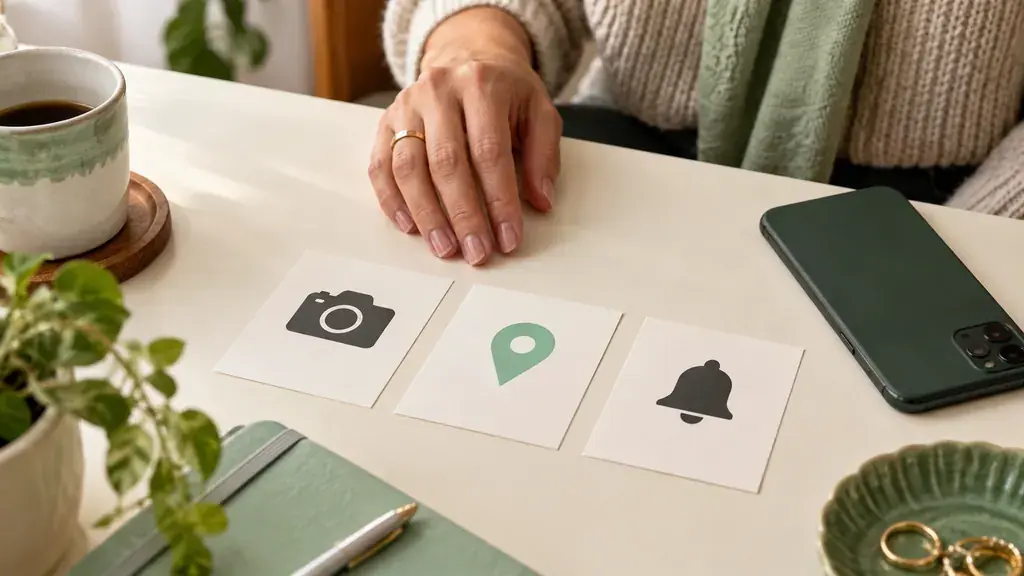
A camera may serve taking a photograph, photo access selecting an existing image, a microphone a voice feature and location a distance-related function. These are general purposes, not confirmed features of every app. Compare each request with the action you are actually planning to perform at that moment.
Check which choices your operating system offers, such as limited access, permission while using the app or selection of individual items. Names and availability vary. When a required permission is unexplained, consult official help. Avoid allowing everything automatically just to reach the next screen more quickly.
Separate installation from later feature costs
A download with no upfront price does not establish the cost of messages, added visibility or other options. Before adding a payment method, identify actions available immediately, those requiring a condition and those sold separately. An in-app-purchase label also does not mean every action in the app requires payment.
If a trial offer appears, read its duration, any later charge and where the subscription is managed. Do not start a trial merely to inspect the interface if you are not comfortable with its terms. You may first evaluate the available unpaid route or postpone your choice until the explanation is clear.
Review notifications before private conversations
Check which events can trigger notifications and whether message content appears on a locked screen. Choose settings appropriate to your device and circumstances; a shared phone, workplace and private home may call for different preferences. Inspect your own controls without publishing screenshots containing somebody else’s messages or information.
Think about frequency as well. If prompts lead to constant checking, keep only useful categories where possible or reserve particular times for opening the app. The setup should support comfortable communication. It does not require an instant response to every message, and you can explain your normal rhythm to others.
Begin with only the information you choose to share
Review profile fields before publication and add details you are genuinely comfortable sharing. Check how the image and description appear after saving. Retain control over sign-in and recovery. Do not send passwords, documents or payment information to a conversation partner claiming to be an informal helper for the app.
Finish with five answers: I understand the installation source, permission purposes, necessary feature conditions, notifications and account controls. If an important answer is missing, resolve it first. In GuessWish you can assess visual wish cards and interest-based conversation without assuming unverified rules about payments or permissions.
A place to start
Choose a relevant example and adapt it to your situation. Do not assume someone has interests they have not mentioned.
“I want to add one photograph, so I will first see whether my device offers selection of individual images.” This keeps the task specific when that option is available.
“I currently need text conversation. If the app requests microphone access, I will find out which feature uses it and decide whether I want that feature.” You can decline unnecessary access without inventing a technical problem.
Prepare your own version
Follow the order: source, permissions, conditions and personal settings.: Choose one step and write down how you would like to suggest it.
Your text stays in this tab and is not sent to the server. It disappears when you close the page; save a file if you want to keep it.
What else is useful to know
Does a free download mean free chat?
Not necessarily. Installation price and messaging conditions are separate checks in the app’s current description and interface.
Must I give access to all my photographs?
Check whether your system offers individual-image selection and whether it serves your task. The available choices depend on the device and app.
What if the app is unavailable in my store?
Check the service’s official information for your device and region. Do not install an unfamiliar file from a conversation to bypass a missing store button.